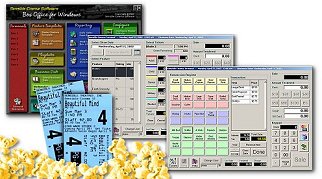
The process of punching up a ticket consists of four key steps, selecting the playdate, the feature, the showtime and the ticket categories to sell for.

By default, current business date is the selected playdate. To select another date to sell a ticket for, press "Tomorrow" for the next business day or press the calendar button to select another playdate.


Next, select the feature and select a showtime.

Next, select the number of tickets for each ticket category:


Once the tickets have been printed, you can either sell more tickets, sell concessions or tender the sale. For this example we will finish the sale.


